Online Safety: Deepfakes
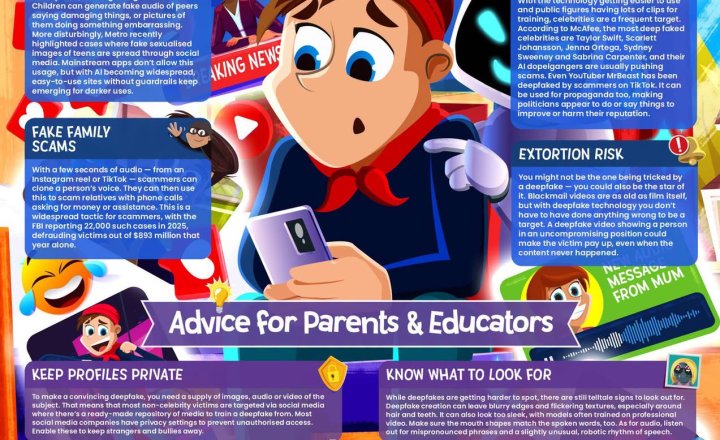
Deepfakes can make it appear that someone has said or done something they haven’t, using AI to create increasingly convincing fake images, videos and audio. As this technology becomes easier to access, children and young people may encounter risks ranging from online bullying and impersonation to scams and fabricated explicit content. Our latest #WakeUpWednesday guide explores: • AI-enabled bullying • Cloned voices and fake family scams • Bogus celebrity endorsements • Fabricated images and videos • Extortion and digital blackmail It also offers practical advice for parents and educators on recognising warning signs, protecting personal information and talking to young people about responsible AI use. Read the guide here: https://vist.ly/5pady #Safeguarding #OnlineSafety #Deepfakes #ArtificialIntelligence
Year 5 - Computing
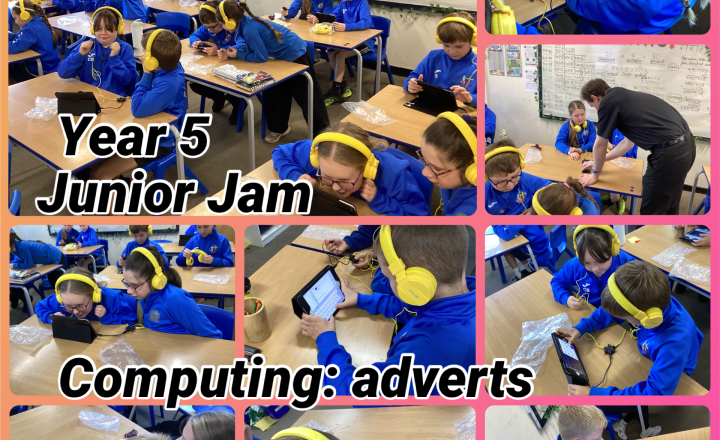
In computing, Year 5 recorded their own radio adverts on Garage Band. They selected a product they wanted to sell and wrote a script with information and catchy slogans. Once the script was recorded, they added music and sound effects to make their advert as powerful or as catchy as possible.
Year 5 - Computing
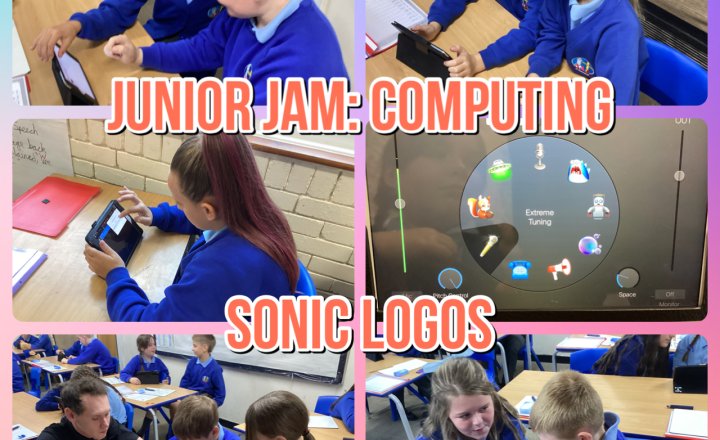
Year 5 used the Garage Band app to create sonic logos for different brands. We analysed Coca-Cola advertisements and identified the different sounds that contribute to its brand identity. The children then had to create a short sonic logo that matched a brand of their choice.
Year 4 - VR Lesson: South America
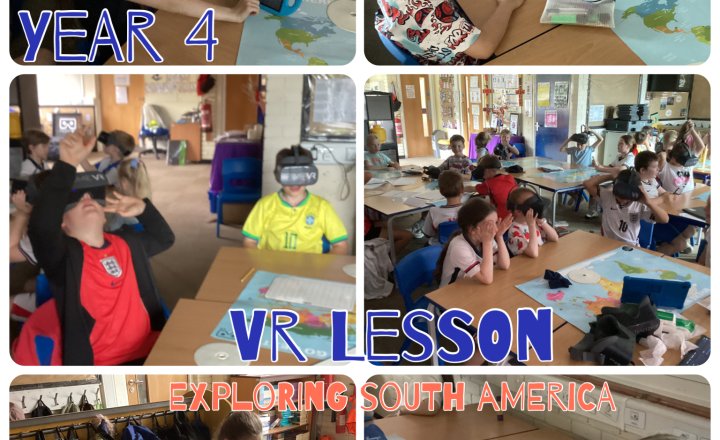
The VR session for Year 4 was the perfect complement to all the work we’ve done this year on South America. The lesson really brought the children’s learning to life as the children had the opportunity to explore parts of the Amazon Rainforest, the Christ the Redeemer statue in Brazil and a few other places.
.jpeg)
Year 6 - PrimeVR Workshop
What an experience Year 6 had today! We were visited by PrimeVR and the Year 6 class had the exciting opportunity to experience virtual reality linked to our topic of ocean exploration. Through immersive VR technology, the children were able to dive beneath the waves and explore the wonders of the ocean from the classroom. The children came face-to-face with a variety of underwater predators, observed endangered marine species in their natural habitats and gained a deeper understanding of the challenges facing our oceans today. The experience brought their learning to life, allowing them to explore environments and creatures that would otherwise be impossible to visit. The children were thoroughly engaged throughout the session, asking thoughtful questions and demonstrating great curiosity about marine life and conservation. It was a memorable and inspiring experience that enhanced their understanding and sparked excitement for further learning.
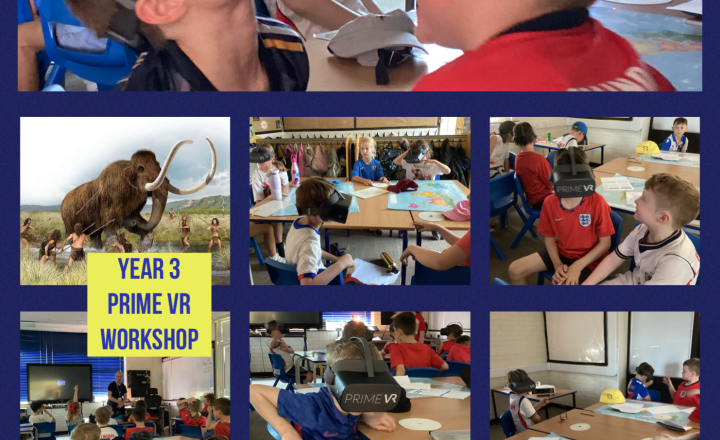
Year 3- Bringing the Stone Age to Life with PrimeVR
The children had an absolutely incredible time during our PrimeVR experience day, with the highlight being their deep dive into the Stone Age. Through the power of virtual reality, they didn’t just learn about history; they lived it, transported thousands of years back in time to explore ancient landscapes and see firsthand how early humans survived. The children came face-to-face with woolly mammoths, examined prehistoric cave art up close, and discovered how Stone Age people communicated. It was an unforgettable, immersive adventure that truly brought our history topic to life!
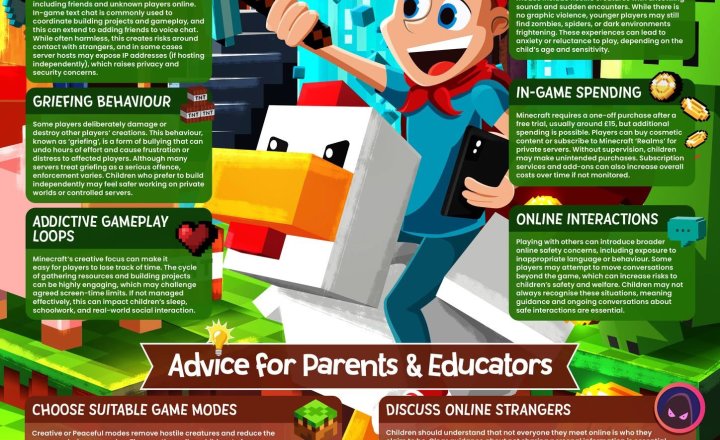
Online Safety: Minecraft
Minecraft continues to be a highly popular platform for children, combining creativity, problem-solving and social interaction. While the game can offer positive opportunities for learning and play, features such as public servers, multiplayer modes and in-game communication can create safeguarding challenges. Our latest guide supports educators and parents in understanding these risks and helping children play more safely. The guide explores: • Public server communication and contact with unknown players • Griefing, disruptive behaviour and online conflict • In-game spending and subscription costs • Addictive gameplay loops and balanced screen time • Safer settings, private servers and suitable game modes With clear, practical advice, the guide helps adults set boundaries, encourage safer choices and support responsible Minecraft use. Access the guide: https://vist.ly/54tfx #Safeguarding #OnlineSafety #Minecraft
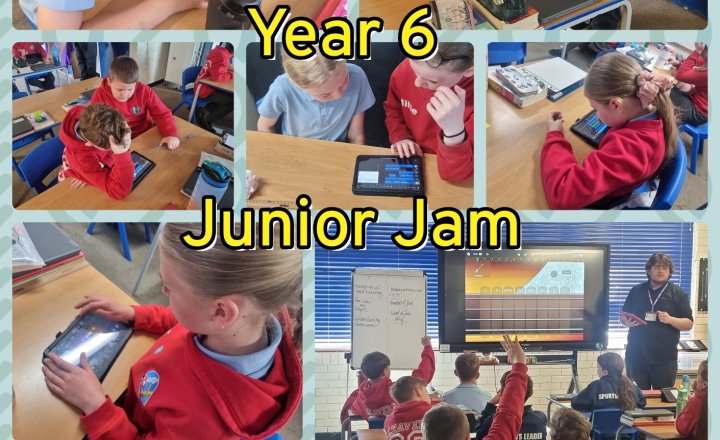
Year 6 Junior Jam - Computing
Year 6 have enjoyed another lesson working on their remixes of popular songs, using the 'GarageBand' app, adding more live loops and altering the tempo and key of the song. They all enjoyed listening to each other's songs.
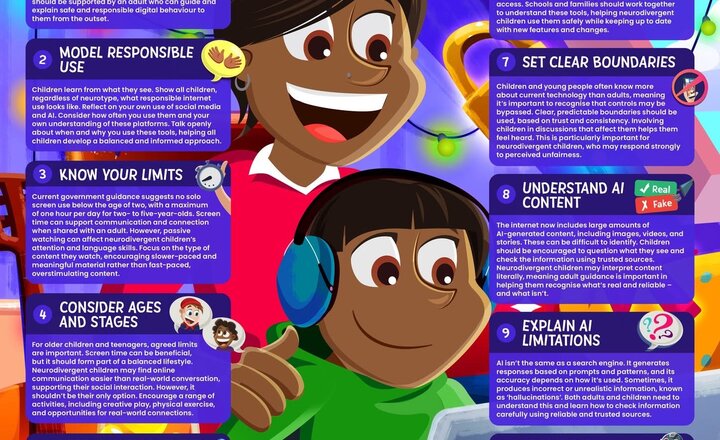
Help Neurodivergent Children Tackle the Online World
Neurodivergent children are often early adopters of technology, making supported online experiences especially important. Our latest #WakeUpWednesday guide helps parents and educators understand how to create safe, positive digital environments. It explores key considerations, including: • Modelling responsible online behaviour • Setting age-appropriate boundaries • Encouraging open and supportive conversations • Understanding emerging risks such as AI-generated content The guide also highlights the importance of balancing screen time with offline activities to support wellbeing and development. Download the guide here: https://vist.ly/536kq #Education #Safeguarding #OnlineSafety #Neurodiversity
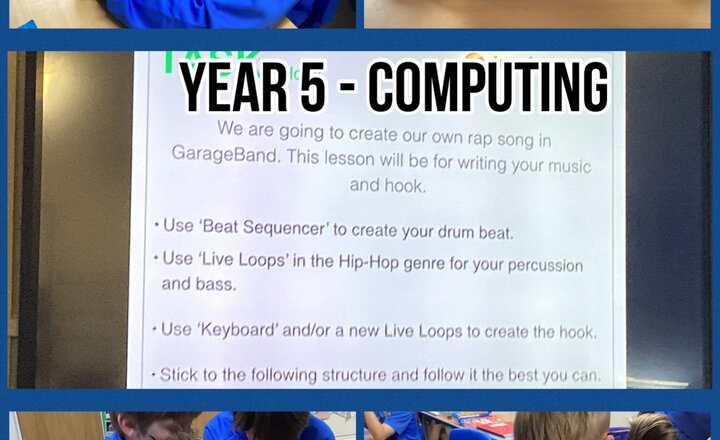
Year 5 - Computing
In this lesson, the children were introduced to the terms ‘melody’ and ‘hook’, with a focus on how hooks make songs catchy and memorable. Year 5 then used the app Garage Band to create their own hook using a range of instrumental sounds, before using this hook to write their own song.
Online Safety: Managing Exam Stress
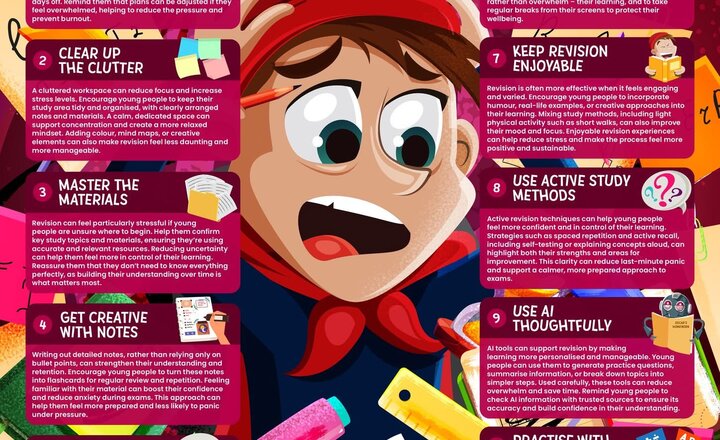
Exam periods can place significant pressure on young people, affecting their confidence, focus and overall wellbeing. Our latest #WakeUpWednesday guide explores realistic and supportive strategies to help manage this pressure. It highlights practical approaches, including: • Organising workload and reducing overwhelm • Using active and creative revision techniques • Creating calm, focused study environments • Using technology, including AI, in a thoughtful way The guide also emphasises the importance of maintaining balance, motivation and positive wellbeing during exam preparation. Download the guide here:https://vist.ly/428mn #Education #Wellbeing #Safeguarding #TeachingAndLearning #WakeUpWednesday
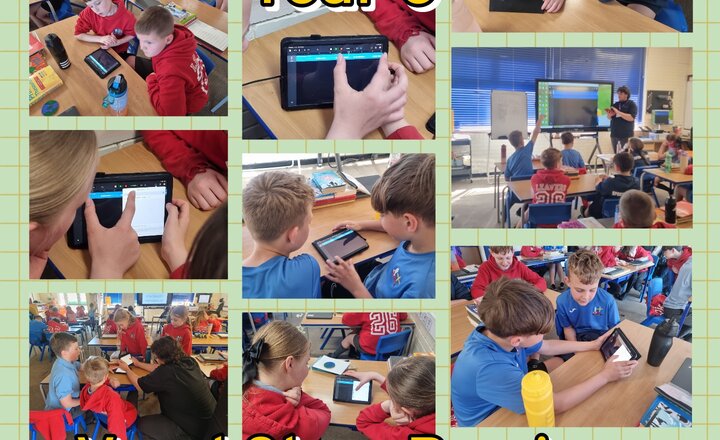
Year 6 Junior Jam - Computing
This week in Computing, year 6 learned about vocal stems and song remixes. They learned that a vocal stem is the isolated singing of a song, without the music behind it. Their task for this lesson was to remix a song on the 'GarageBand' app, by taking a vocal stem and changing the genre. They used live loops to add the music, and changed the tempo and the key so that they complimented the vocal stem.
.png)