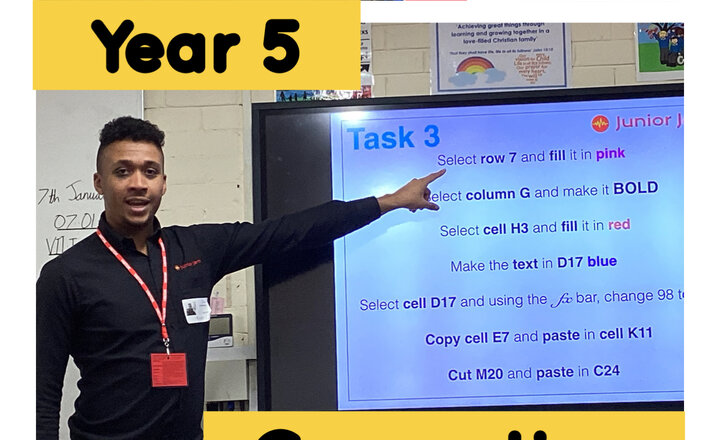
Year 5 - Computing
Our new computing unit covers how to use spreadsheets such as Microsoft Excel and Google Sheets. In this first lesson, the children learned what spreadsheets are before learning how to input data and format cells. Then the children experimented with changing the text and adding colour to the spreadsheet.

Year 6 - Coastlines and Islands
Today, the children used DigiMaps to locate, explore and compare a range of coastlines across the United Kingdom. The children investigated how the shapes of different coastlines vary and identified key geographical features such as bays, headlands, cliffs and beaches. The children also examined the UK’s surrounding islands, using the zoom tools to study their position, size and distance from the mainland. They showed great curiosity as they navigated the digital maps, asked thoughtful questions and discussed why these coastal landscapes might look the way they do.

Year 6 - LBQ - Adding Mixed Number Fractions
Year 6 spent today’s lesson developing their understanding of adding mixed-number fractions using LBQ. The children engaged with a sequence of challenging questions that reinforced core concepts including converting mixed numbers, finding equivalent fractions and simplifying. The digital platform allowed for immediate feedback, supporting pupils’ progress and addressing misconceptions in real time.
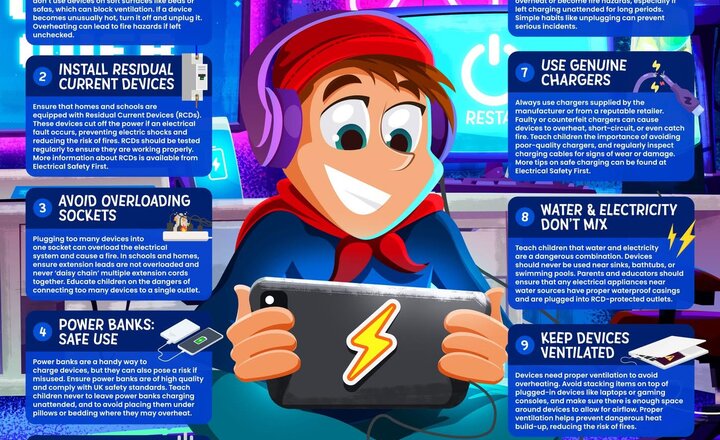
Online Safety: Electrical Safety and Devices
The festive season has arrived, and with more lights, decorations and gifts, it’s important to stay safe when plugging in extra electricals. This guide provides key information on electrical safety.

Year 6 Junior Jam - Computing
Year 6 enjoyed a fantastic Junior Jam computing lesson on coding, today. They used "Last Touch X and Y" to help them create a drawing tool and "Create a Clone" to create multi-coloured copies of firework images. They also learned about variables, extending the sides of different shapes to create a spiral pattern.
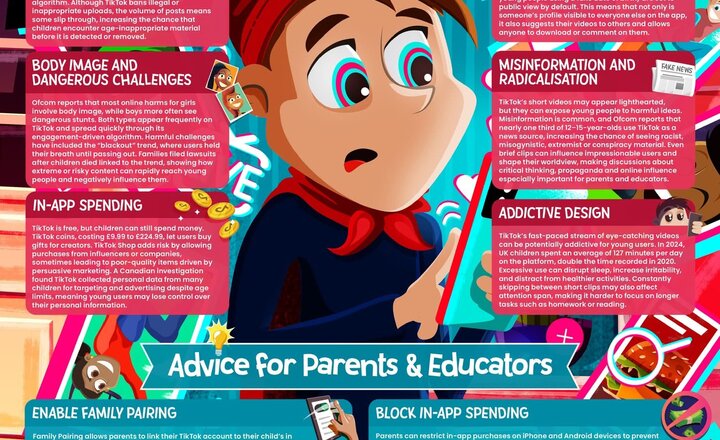
Online Safety: Tik Tok
TikTok is one of the world's favourite short-video apps but behind the dances and viral challenges are real risks; including inappropriate content, data misuse and addictive scrolling. Our latest guide uncovers TikTok’s hidden hazards and shares expert advice to help parents and educators keep the experience safe and positive. Because TikTok should be fun, not frightening. Download your FREE copy here >> https://vist.ly/4f2zf #WakeUpWednesday #WUW #TikTok
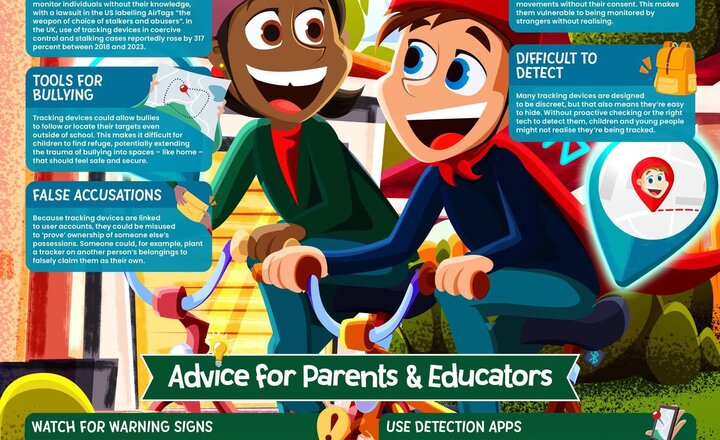
Online Safety: Tracking Devices
Tracking devices were designed to help people find lost belongings, but they’ve also opened the door to worrying forms of misuse. This week’s #WakeUpWednesday explores how Bluetooth trackers like AirTags and SmartTags can be misused for stalking, bullying and invading young people’s privacy. Download your FREE copy here >> https://vist.ly/4f4u2
Year 6 - Geography
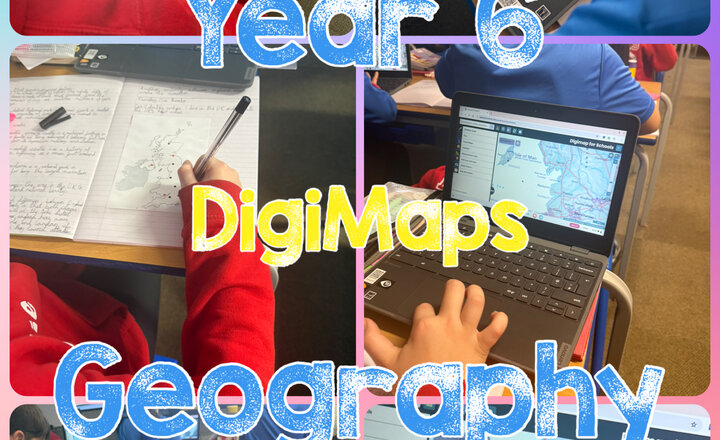
In Geography today, Year 6 explored DigiMaps to develop their mapping and geographical skills. Using digital maps, the children navigated towns and cities across the UK, locating and identifying key places. The children compared their human and physical features with those of Darwen, exploring how different environments are shaped by people and nature. The children showed great curiosity and teamwork as they discovered the similarities and differences between urban and rural areas across the country.
Year 5 - Computing
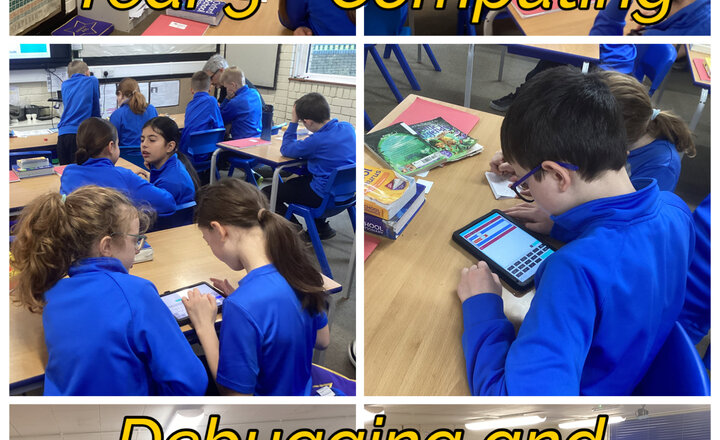
The children continued to focus on debugging programs, using the knowledge they gained to tackle increasingly complex challenges. Then the children selected one program to develop further and create a new branch of that game.
Online Safety: AI-Generated Videos
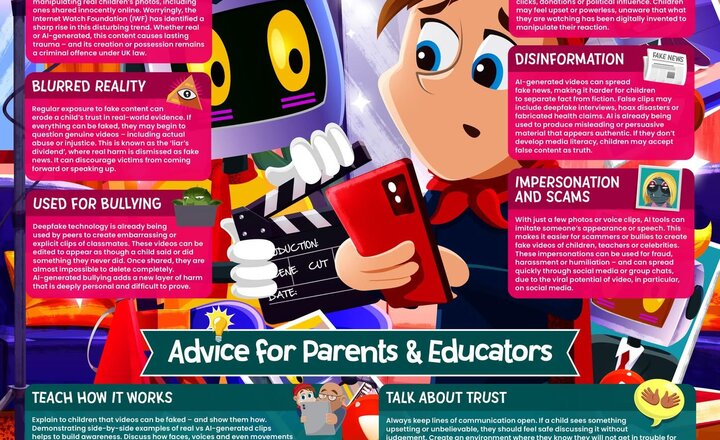
Can you spot a fake video online? AI-generated clips are becoming so realistic they’re almost impossible to distinguish from the real thing. This week’s #WakeUpWednesday guide explains the dangers of deepfakes and shares practical tips to help young people stay safe. Download your FREE copy here >> https://vist.ly/4dxxe
Online Safety: Guiding young voices to make a difference
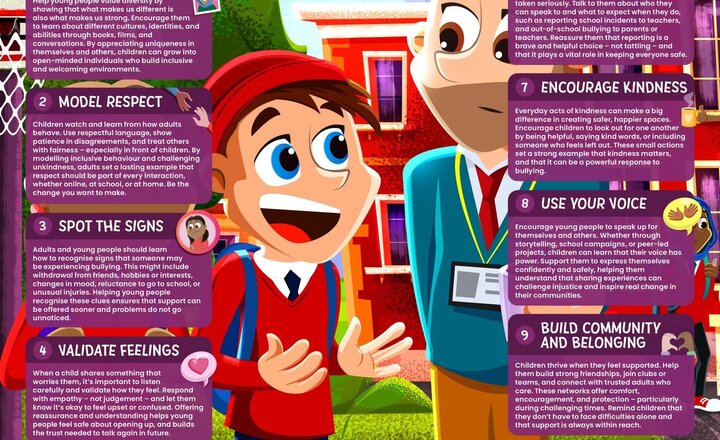
Helping young people find their voice. It’s Anti-Bullying Week – our latest #WakeUpWednesday guide shares practical tips for adults to empower children to speak up, support others and stand against bullying. Download your FREE copy here >> https://vist.ly/4cxk6
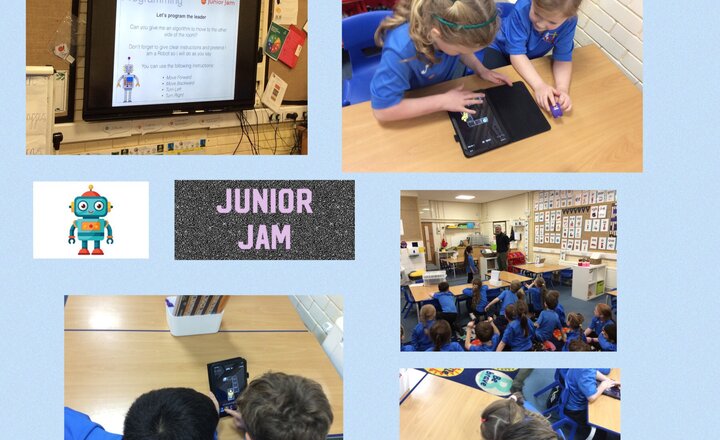
Year 2 Computing - Giving instructions for a robot to follow
The children in Year 2 really enjoyed giving instructions to a robot for it to follow.