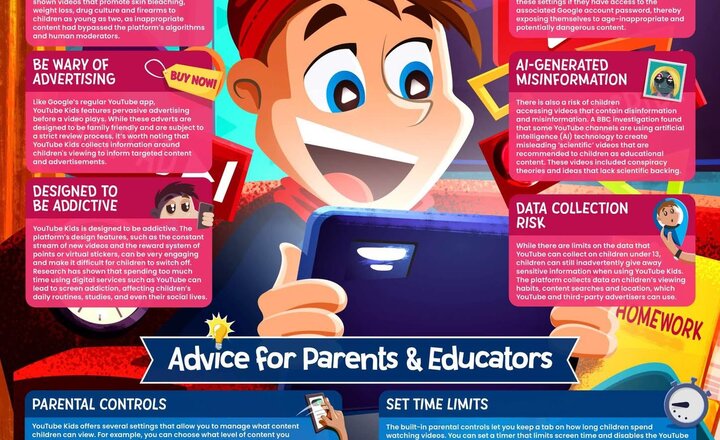
Online Safety: YouTube Kids
Behind the Screen: How safe is YouTube Kids? Our #WakeUpWednesday guide checks out the risks and shares tips to help kids stay safe while streaming videos. #OnlineSafety Download your FREE copy here >> https://ow.ly/EJLf50WaPqk #YouTubeKids #ParentingTips #OnlineSafetyTips
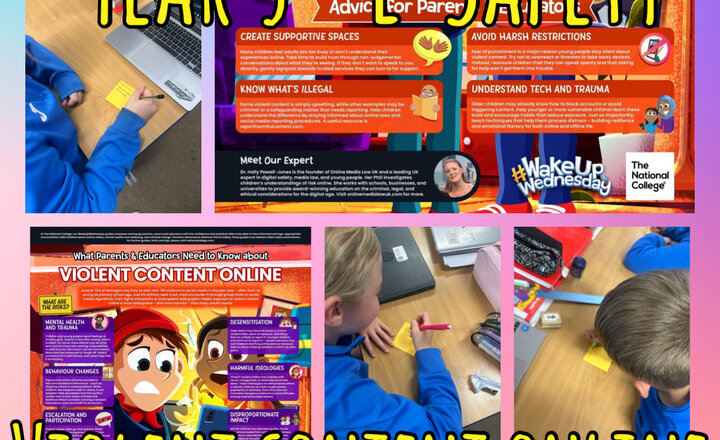
Year 5 - E-Safety
Today, the children explored this week’s E-Safety poster, which focused on the topic of violent content online and its potential impact on young people. They discussed the risks associated with viewing such material and demonstrated a good understanding of how to respond safely and responsibly if they ever come across it. The session encouraged thoughtful conversation and reinforced the importance of talking to a trusted adult when something online feels upsetting or inappropriate.
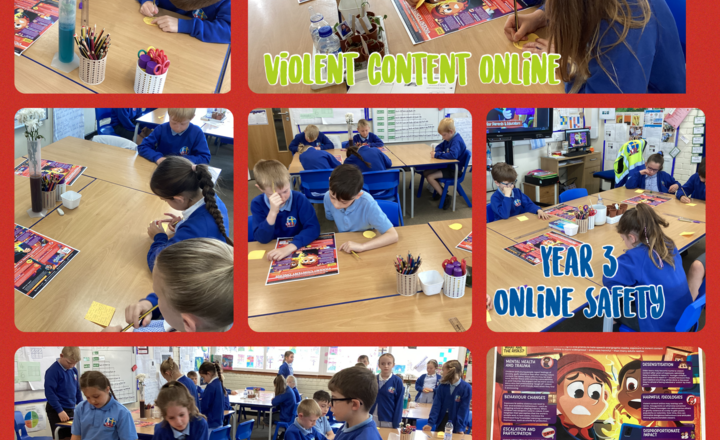
Year 3- Understanding the Risks: Staying Safe Online
Today in class, we talked about staying safe online, especially when it comes to seeing violent content. About 70% of teenagers have seen real-life violence online in the past year, and it's not just a small problem. While some might actively seek it out, many encounter it through group chats or social media algorithms, meaning it can pop up even if you're not looking for it. After discussing these important points, Year 3 agreed on: they all need to be careful about what they watch and share, and how it affects everyone. If they ever see upsetting content or feel pressured to share something, they will talk to a trusted adult, like a parent and teacher.
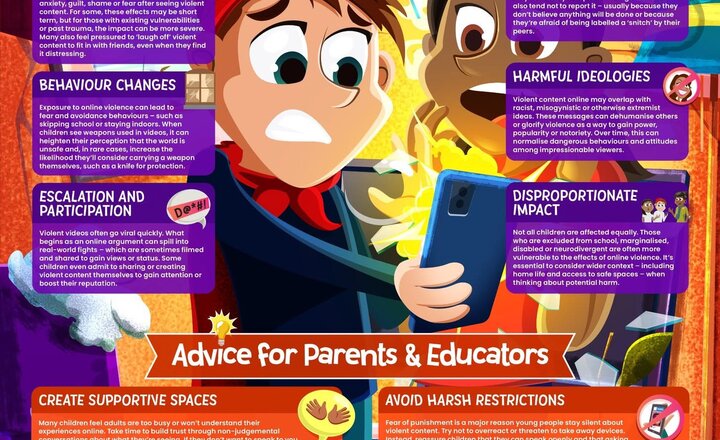
Online Safety: Violent Content Online
Violence, viral videos and vulnerability. Most kids aren’t looking for violent content online – but they’re still seeing it. This week’s #WakeUpWednesday guide explores the impact and offers advice for trusted adults. Download your FREE copy here >> https://ow.ly/KcKr50VVJxp
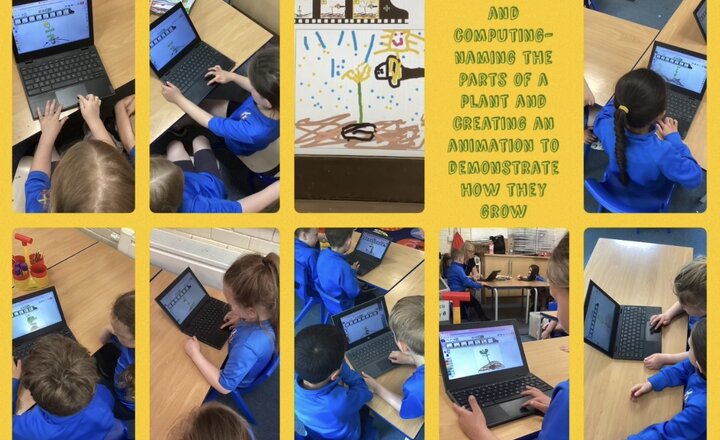
Year 1 Science and Computing- How Does a Plant Grow?
This afternoon, Year 1 have been exploring the names of various parts of a plant and the different stages of plant growth. They created their own animations on Purple Mash to illustrate these stages and then played them back to enjoy watching their plant grow. They absolutely blew us away and managed to create some exceptional animations of a seed developing a stem and roots, growing into a sapling, growing leaves and a stronger stem, starting to bud and then finally flower. The children even added visiting bees to their plants to pollinate them and seeds dropping off their plants to form new ones. Amazing work, Year 1!
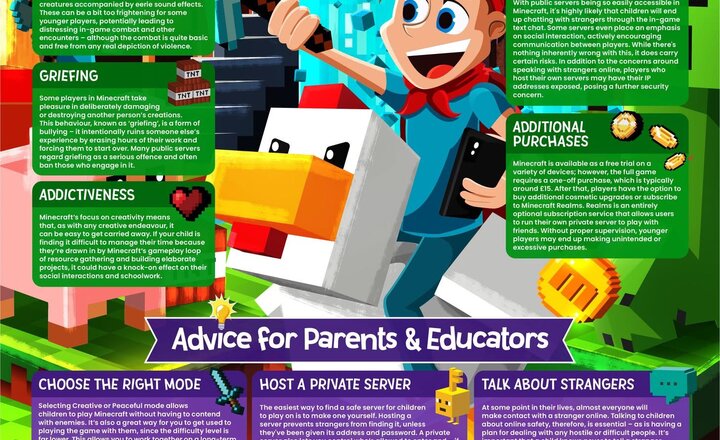
Online Safety: Minecraft
Block out online risks in Minecraft. With millions of players chatting and creating - and interest rising again after April’s movie release - our #WakeUpWednesday guide helps parents and educators keep young gamers safe in this endlessly popular sandbox title. Download >> https://ow.ly/7ZTF50VRURe #MinecraftSafety #GamingParents #OnlineSafetyTips #SafeGaming
.jpeg)
Online Safety: Fostering a Sense of Belonging
Every child deserves to feel seen, heard, and valued. Our FREE guide shares 10 simple ways to build belonging at school and at home - from celebrating individuality to tackling bullying. Download >> https://ow.ly/oW4h50VNUsx #WakeUpWednesday #ParentTips
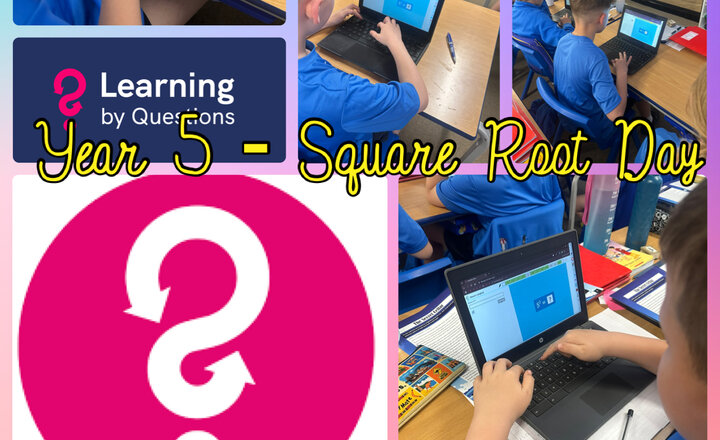
Year 5 - Square Root Day
Today, Year 5 celebrated Square Root Day through an engaging LBQ (Learning by Questions) session, where pupils explored square roots, identified perfect squares, and practised estimating non-square roots. The activity helped deepen their understanding of inverse operations and built their confidence with this important mathematical concept.
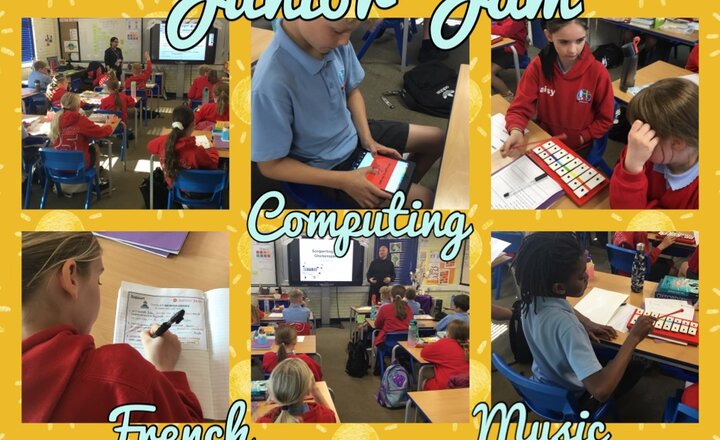
Year 6 Junior Jam
Year 6 really enjoyed their sessions with Junior Jam this week. In French, the children learned the names of jobs in French and had to write sentences containing these job names. In computing, the children were tasked with designing a new banner for the Junior Jam website, using the Logo Founder app. We have moved on to learning how to play a glockenspiel in music, creating our own 8-beat phrases.
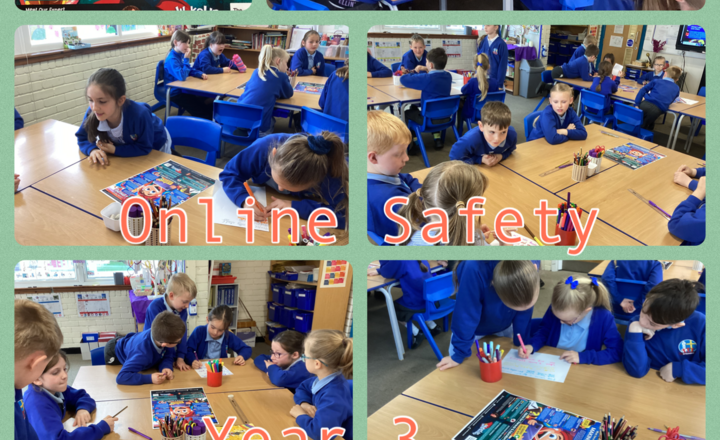
Year 3 - Online Safety- Making Friends Online
This afternoon, Year 3 explored different scenarios where someone might think they are talking to a friend online, without realising it could be a stranger. We discussed how online interactions, especially in games or chat rooms, can sometimes feel like real friendships, even when we don’t know the person. Some children felt strongly that the people they play with online are their best friends. This opened up an important conversation about what makes a real friend, someone you see regularly, someone your parents or carers know, and someone you can trust in the real world. The children were reminded that while online games can be fun, it’s important to stay safe by never sharing personal information and always speaking to a trusted adult if something doesn’t feel right. The key message was clear: not everyone online is who they say they are, and staying safe is more important than winning a game or making a new “friend” online.
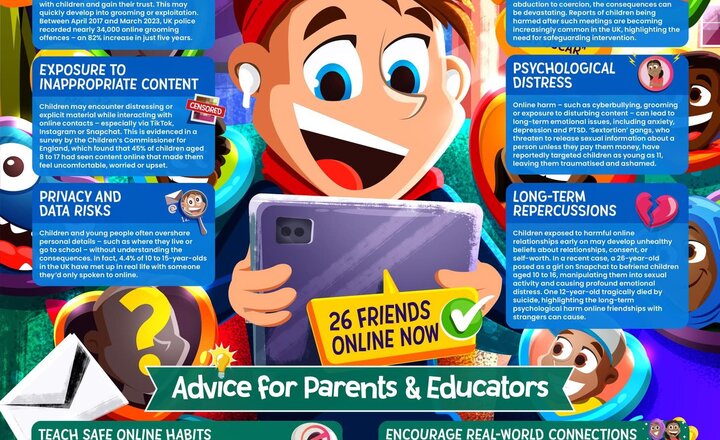
Online Safety: Making Friends Online
Friend or foe? Almost 1 in 5 children have chatted online with someone they've never met in real life so it's vital trusted adults know the risks. This week’s #WakeUpWednesday guide helps parents and educators support children in forming safe, healthy connections in the digital world. Download here >> https://ow.ly/s6yr50VFxUh #MakingFriendsOnline #OnlineSafety #KeepingChildrenSafeOnline
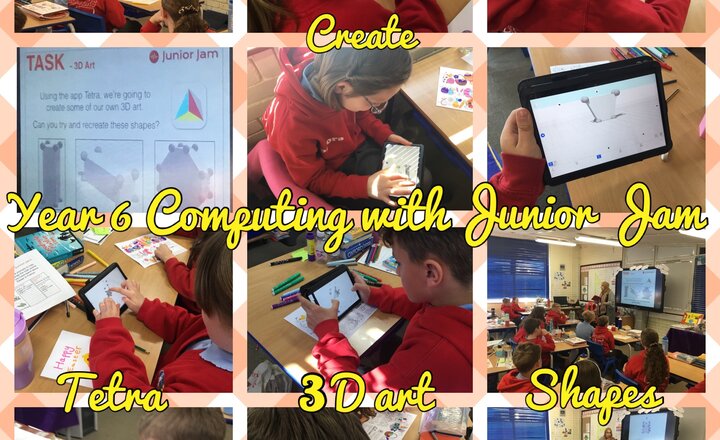
Year 6 Computing with Junior Jam
Year 6 have been learning about 3D art in computing lessons. This week, the children have used the Tetra app to create their own 3D shape art, recreating some given examples and also designing some of their own.