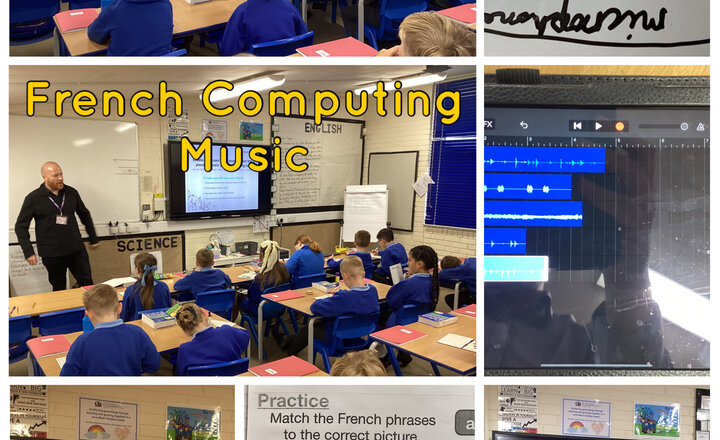
Year 5 - Junior Jam
Year 5 learned how to communicate their likes and dislikes in French, used sampling to make audio jingles for adverts in Computing and explored the emotions produced by different songs in Music.
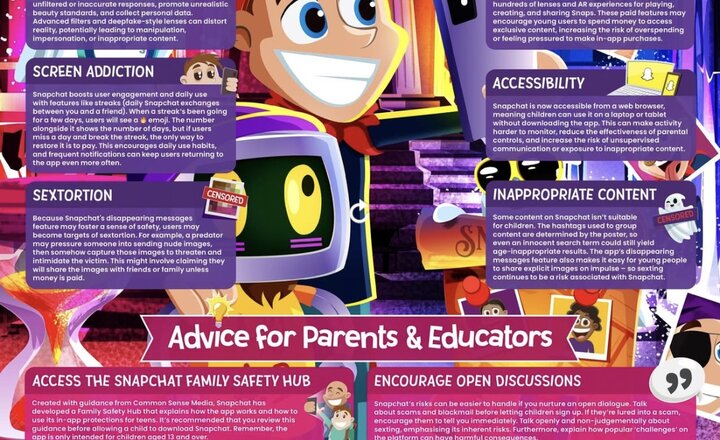
Online Safety: Snapchat
Are you up to date on Snapchat risks? Our updated #WakeUpWednesday guide explores the latest risks on Snapchat – including sextortion, AI chatbots and spending pressure from new paid features. Download your FREE copy here https://vist.ly/473r2
.png)
Year 3 - Exploring Purple Mash
This morning, the children explored Purple Mash, a creative and interactive online learning space. They focused on grammar activities, practising suffixes and using them to create their own exciting sentences. Purple Mash offers opportunities for children to learn through discovery and creativity, which they find both enjoyable and engaging.
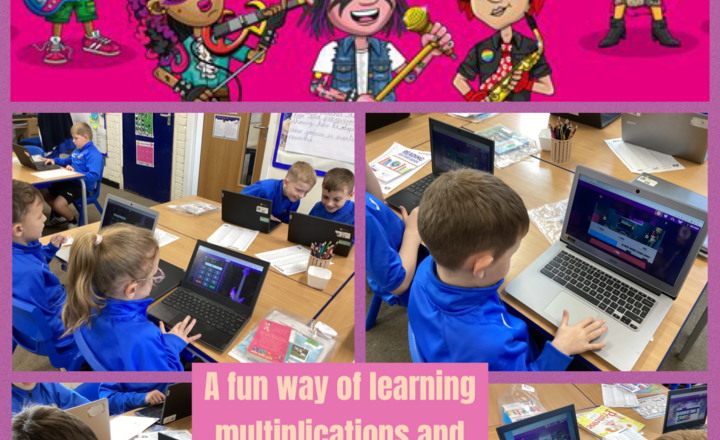
Year 3- Maths-Our First TTRockstars Session
In maths today, the children logged on to TTRockstars for the very first time, and they absolutely loved it! They had fun choosing their very own Rockstar names and avatars before getting started with the games. During the session, they practised a wide range of times tables through fun, fast-paced question games. The platform automatically adapts to each child’s learning needs, helping them to improve their recall and speed with multiplication. It was wonderful to see the children so engaged and motivated in their maths learning.
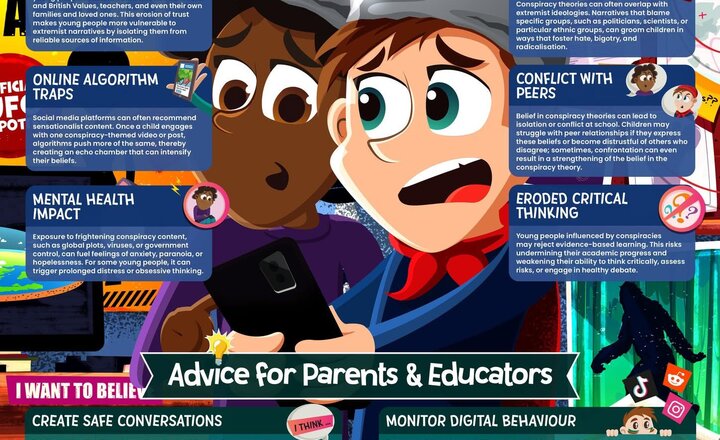
Online Safety: Conspiracy Theories
What’s the real story? This week’s #WakeUpWednesday guide investigates the online spread of conspiracy theories, the safeguarding harms they pose, and how to help young people steer clear of harmful beliefs and misinformation. Download your FREE copy here- https://vist.ly/469kj #OnlineSafety #CriticalThinking
Year 6 Junior Jam - French, Music and Computing
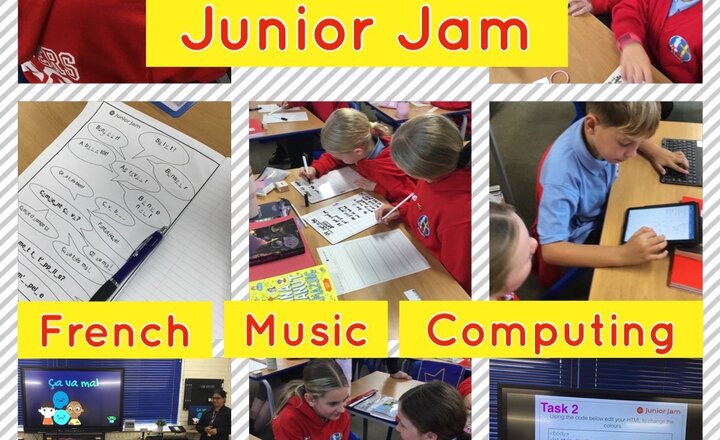
This week Year 6 had their first Junior Jam sessions of the new school year. In French, the children recapped some key conversational phrases and learned some new ones, too. In music, they began planning ideas for composing their own song - the children really enjoyed this! In computing, they had a class discussion about what we use the Internet for and were tasked with using code to make changes to HTML on their iPads.
Year 3 - Computing with Junior Jam- Writing a blog
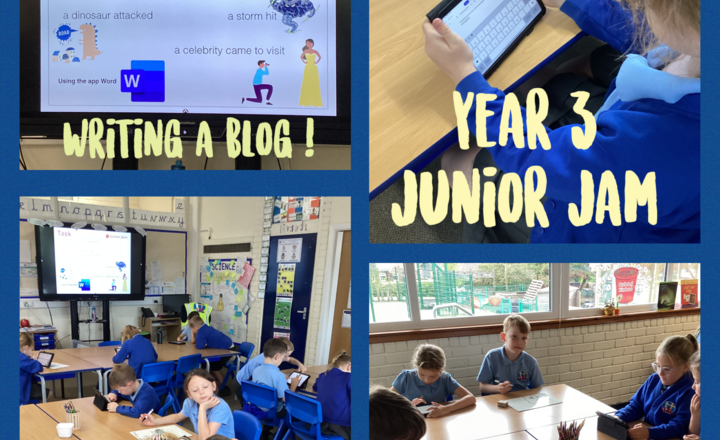
Yesterday in computing with Junior Jam, Year 3 were introduced to digital tools for collaboration and communication. They started with blogs, discussing their origins, structure, and how to create them. They then analyzed several different blogs to understand how they're used for various purposes. The children were then paired up and tasked with writing their own blog post on a topic of their choice, applying what they learned about creating a successful blog. Thank you Mr Wray for a great first week of computing!
Online Safety: Recognising and Managing Stress
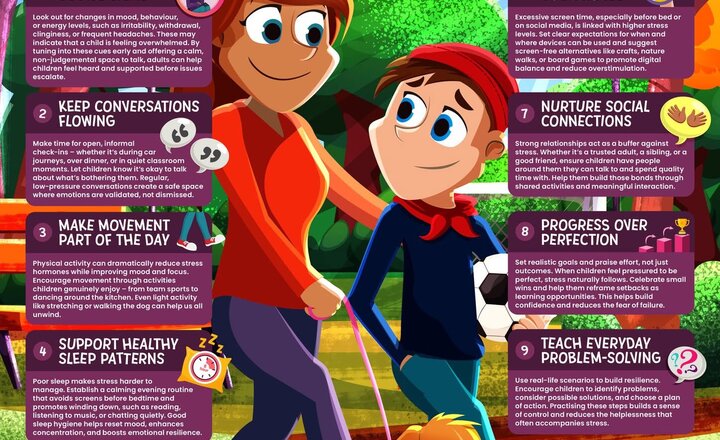
Back to school doesn’t have to be so stressful. This week’s #WakeUpWednesday guide shares 10 expert tips to help young people recognise and manage stress in healthy ways. Download your FREE copy here >> https://vist.ly/45ffr
Online Safety: Apple iPads
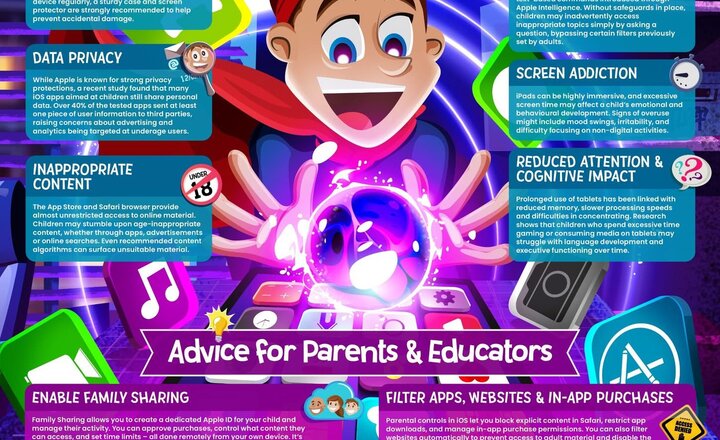
iPads: more than just fun and games! This #WakeUpWednesday guide explores screen time habits, spending traps, and safety tips for parents and educators. Your quick guide to smarter iPad use. Download your FREE copy here >> https://ow.ly/bGZG50Wj5VJ #iPadGuide #TechForKids #iPadSafety
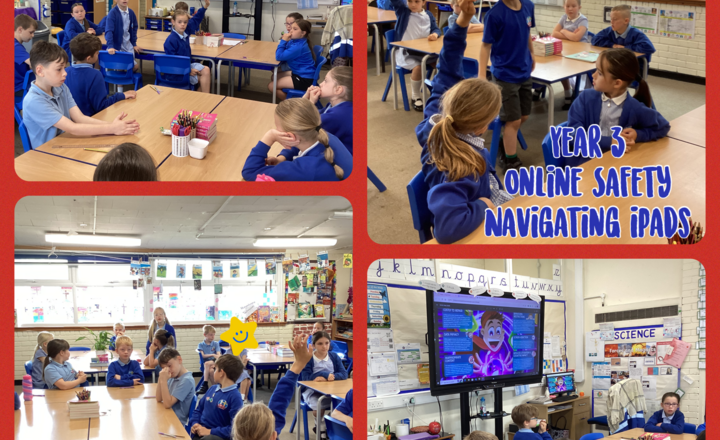
Year 3- Online Safety- Navigating ipads
Today in class, we discussed Apple iPads and some important considerations for children's use, such as screen time, privacy, and appropriate content. It was great to hear children contributing and discussing about their own restricted times and how much screen time they're allowed. For those who don't have time limits, we talked about the importance of managing screen time for good mental health and well-being. Remember, excessive screen time can affect emotions and behaviour, and tools like Downtime and App Limits can help manage this.
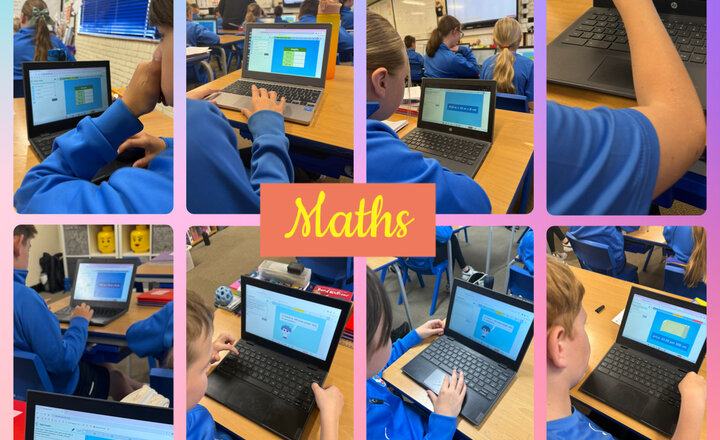
Year 5 - LBQ
Today in Year 5, the children took part in an interactive LBQ (Learning by Questions) session, where they focused on converting between centimetres and metres and vice versa. This engaging activity allowed them to practise their understanding of measurement in a fun and responsive way, receiving instant feedback to help correct misconceptions and deepen their learning. The children revised the relationship between centimetres and metres (100 cm = 1 m) and applied this knowledge to solve a range of problems, including word problems, reasoning challenges and real-life measurement scenarios. They demonstrated increasing confidence in switching between units, identifying when to multiply or divide by 100 depending on the direction of conversion.
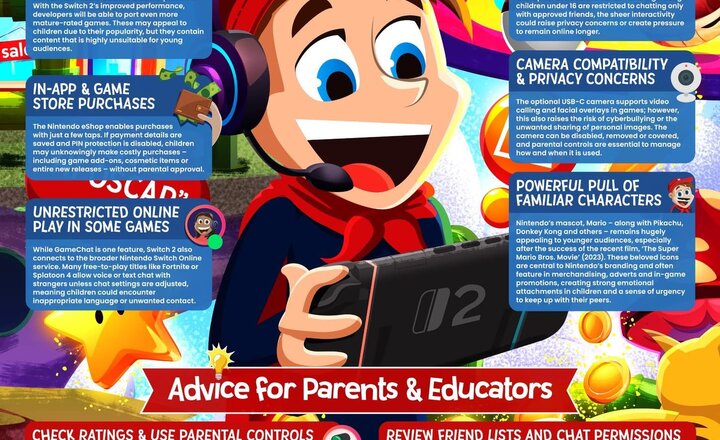
Online Safety: Nintendo Switch 2
Switching things up. The Nintendo Switch 2 adds new features like voice chat and a plug-in camera – but also new #OnlineSafety concerns. Our #WakeUpWednesday guide has the full overview for parents and educators. Download your FREE copy here >> https://ow.ly/beVv50WfwKT #NintendoSwitch2 #VideoGameSafety #TechForKids