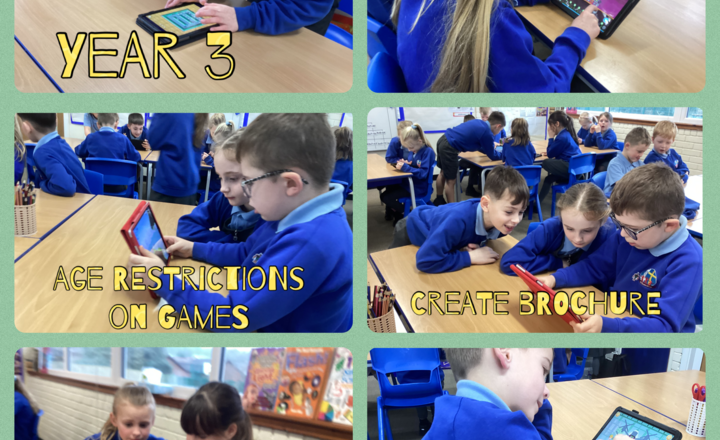
Year 3- iMedia- Age Restrictions on Games
Today in computing, Year 3 talked about staying safe online. Miss Latif showed the children some examples of websites that are restricted to help Year 3 understand why some sites aren't safe for everyone. After that, they used a word processor to make posters about online safety.
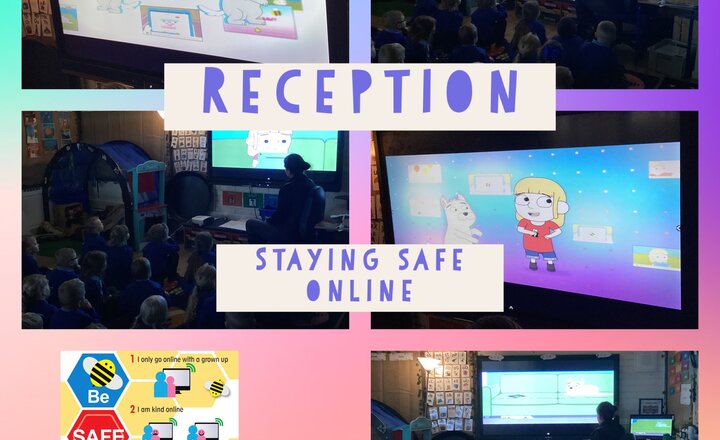
Reception- Safer Internet Day
Reception class learnt how to stay safe online on Safer Internet Day. We discussed where and how we use the Internet. The children said they use it on tablets, iPads, their grown ups phone and on their televisions. The children said they watch YouTube, play games and watch videos. We watched a video of Jesse who watched something scary online. Jesse told her Daddy and it made her feel safe and happy again. The children said they could tell their teachers, grandparents or parents if they ever felt worried or scared. We then learnt the ‘Funny Tummy’ song. ‘If it makes you feel funny in your tummy, worried scared or sad. Then you must tell a grown up you trust, like your teacher, Mum or Dad’.
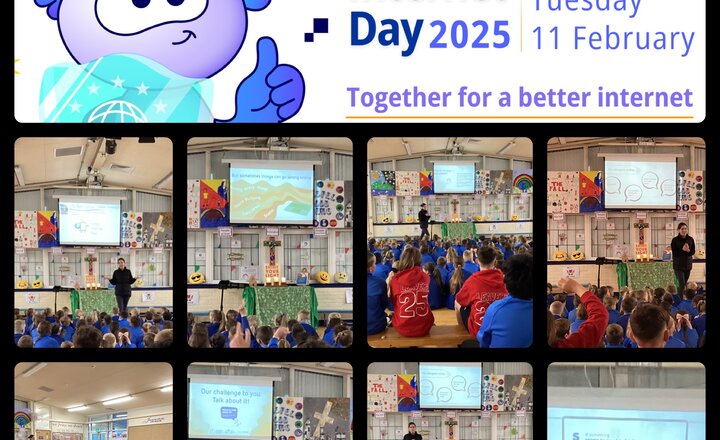
St Barnabas celebrates Safer Internet Day 2025
Today, we will be celebrating Safer Internet Day. We began today by a worship led by Mrs Wilkinson. We discussed how to stay safe online, what might happen online and what a scam was. We discussed how we wouldn’t speak to strangers on the street so we should do the same online and only speak to people we know. If something doesn’t feel right or we get a little scared, we should always talk to a trusted adult. It was lovely to see the children discussing the importance of staying safe online and we had lots of meaningful discussion during our worship. This will continue in classes throughout the day.
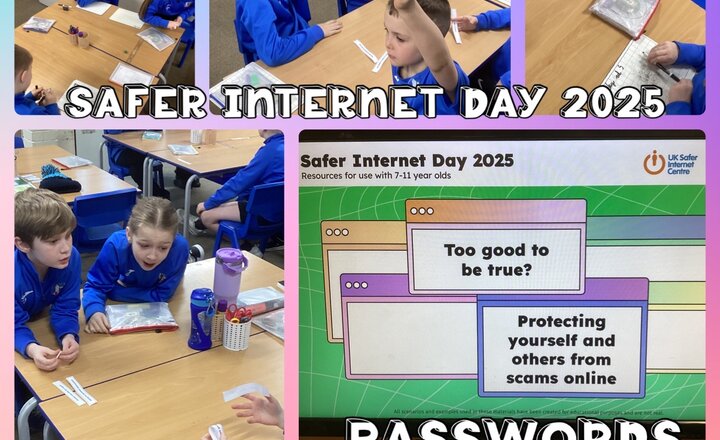
Year 4 - Safer Internet Day
To celebrate Safer Internet Day 2025, the Year 4s learned how to become savvy cybernauts. They began by learning about the importance of setting strong passwords, and they played a game called ‘Guess the Password’ for which the children took turns rolling a dice to generate a password. Their partners then had to try and guess as much of it as they could. They also learned how to spot a scam and practised with a range of common scenarios.
Year 5 - Online Safety
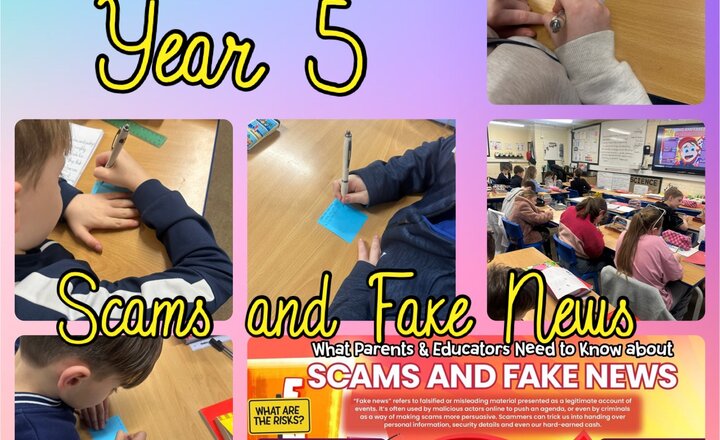
Year 5 explored the E-Safety poster about scams and fake news in preparation for Safer Internet Day. The children discussed the potential risks and dangers associated with online scams, misinformation and how these can affect people in real life. Through engaging discussions, they identified ways to spot fake news, recognise suspicious links and protect personal information. They also explored the importance of thinking critically before sharing content online, ensuring they can navigate the digital world safely while making the most of the internet’s benefits.
Year 3- PSHE-Staying Safe Online: Spotting Scams and Fake Content
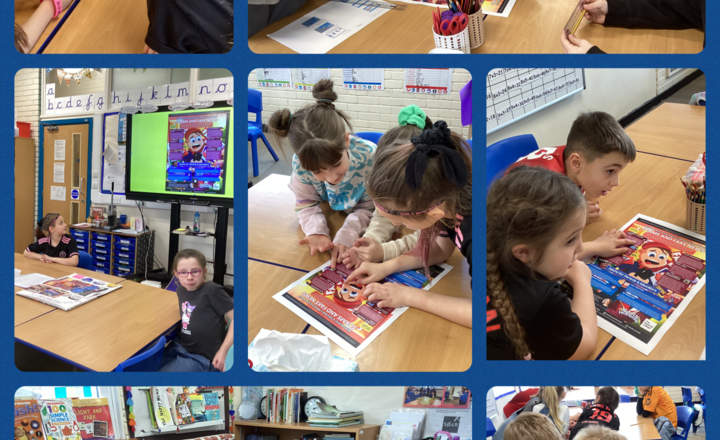
During our PSHE lesson, Year 3 discussed the importance of staying safe on the internet and how to recognise scams and fake content. We talked about common scams, such as fake competition messages claiming, “You’ve won a prize!” that trick people into clicking unsafe links, as well as fake emails pretending to be from banks or companies asking for personal details. We also looked at edited images that make things appear real when they are not, such as fake celebrity endorsements or photoshopped pictures used to spread false information. Parents should have open conversations with their children about these dangers, teaching them to check sources, spot warning signs like poor spelling and urgent messages, and always avoid clicking on unknown links. Encouraging critical thinking by asking, “Does this seem too good to be true?” helps children become more aware. Setting up safe browsing habits with parental controls and child-friendly search engines is essential, along with reminding children to always ask before downloading apps or making purchases. Keeping communication open ensures they feel comfortable reporting anything suspicious without fear of punishment. Finally, leading by example verifying information before sharing and being cautious with online messages, emails, and deals helps reinforce good digital habits.
Online Safety: Scams and Fake News
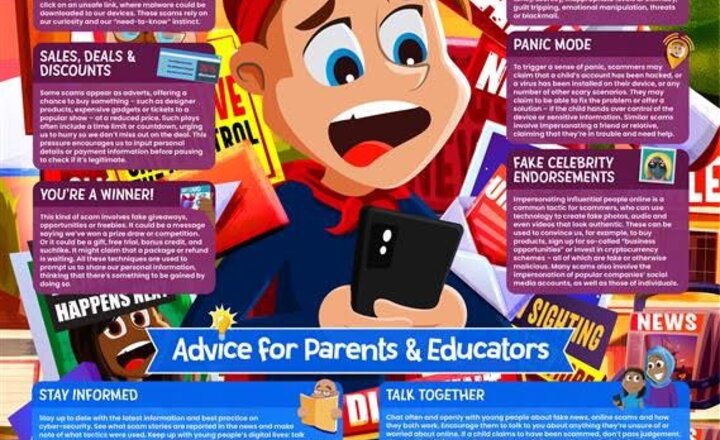
Figures from Ofcom claim that nearly 3.5 million British children have encountered a scam online, and it's vital we learn how to recognise their tactics and protect youngsters against them. This week’s guide and the latest episode of the #WakeUpWednesday podcast deal with the topic of ‘fake news’ and how it might be used to make scams seem more persuasive. Download here >> https://ow.ly/I65s50UTm0P Listen here >> https://ow.ly/5fp750UTm0R
Year 5 - Fractions of amounts
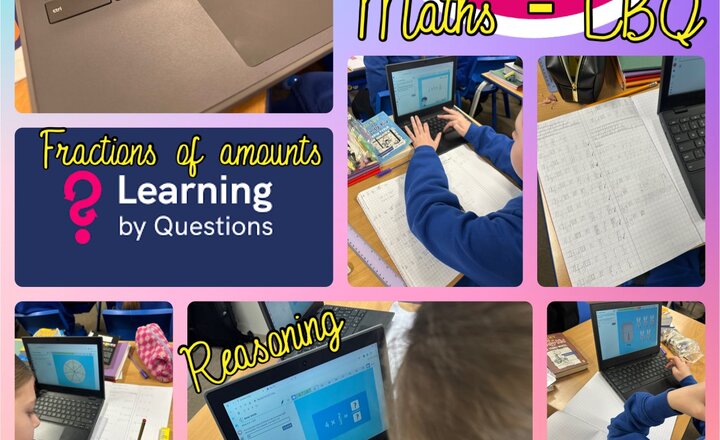
Today, Year 5 concluded their fractions unit by practising fluency and reasoning with fractional quantities using LBQ. The children tackled a range of challenges, applying their knowledge of equivalent fractions, addition and subtraction of fractions and problem-solving in real-life contexts. They worked with great focus, demonstrating resilience and accuracy as they refined their understanding.
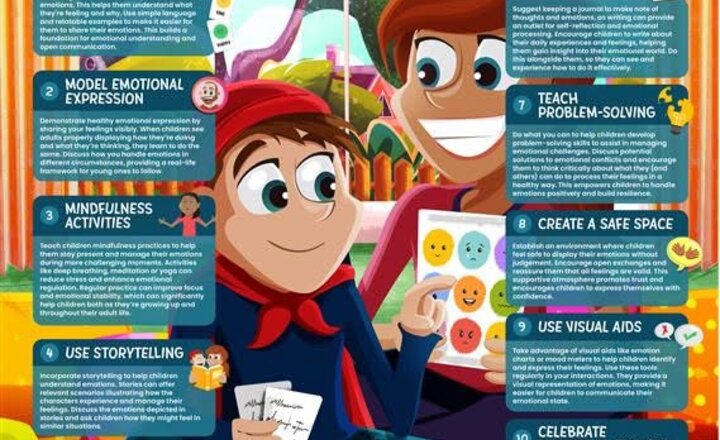
Online Safety: Supporting Children to Develop Emotional Literacy
Big and difficult feelings are part of growing up but they can be easier to handle with guidance and support. This week’s guide and the latest episode of our #WakeUpWednesday podcast offer expert advice on helping youngsters develop emotional literacy. Download here >> https://ow.ly/qUgp50UOPOF Listen here >> https://ow.ly/InKO50UOPOG
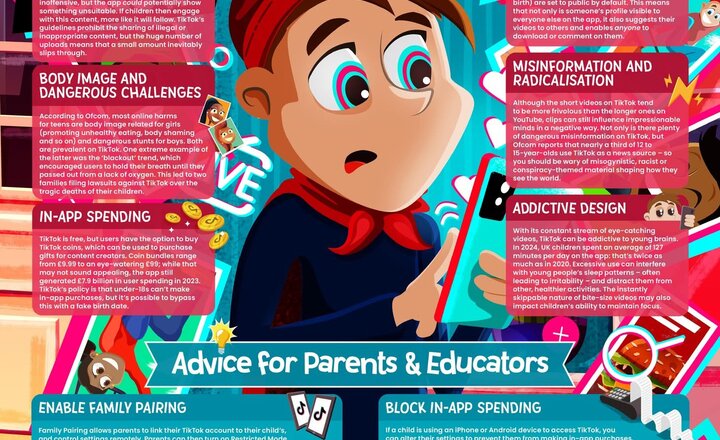
Online Safety: Tik Tok
With 22% of its billion-strong userbase being between the ages of 13 and 17, the popularity of TikTok among the younger generation is indisputable. Providing entertainment in the form of a stream of short-form video content while allowing its users to post videos of their own the app has skyrocketed to prominence over the last few years, becoming a fixture in young people’s digital lives. Of course, with a platform as popular and gargantuan as TikTok, it can be intimidating trying to figure out how best to safeguard children and young people using the app. That’s why Wake Up Wednesday have released this brand-new guide to TikTok, detailing the main online safety concerns and suggesting strategies to reduce these risks for the app’s younger users.
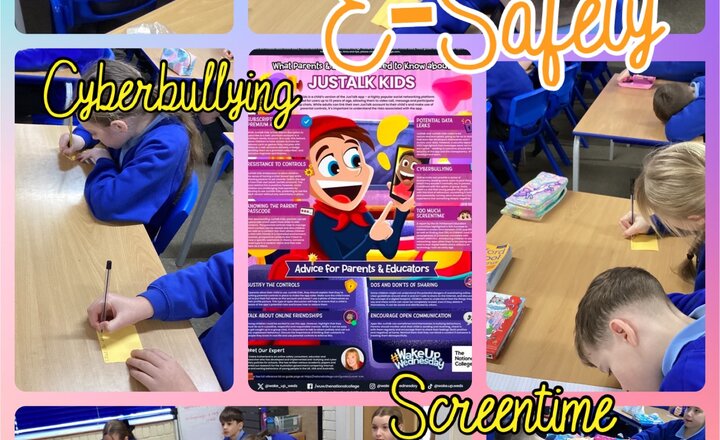
Year 5 - E-Safety - JustTalk Kids
During this E-Safety session, Year 5 explored a poster about the app JustTalk Kids. The children discussed the advantages of using the app, such as staying connected with friends, learning new skills and having a safe space to share their thoughts. They also examined the potential dangers, including oversharing personal information, interacting with strangers and spending too much time online. Through thoughtful discussions, the children reflected on how to use apps like JustTalk Kids responsibly. They emphasised the importance of setting boundaries, using privacy settings and always talking to a trusted adult if something feels wrong. This session highlighted the need for critical thinking and safe practices in the digital world.
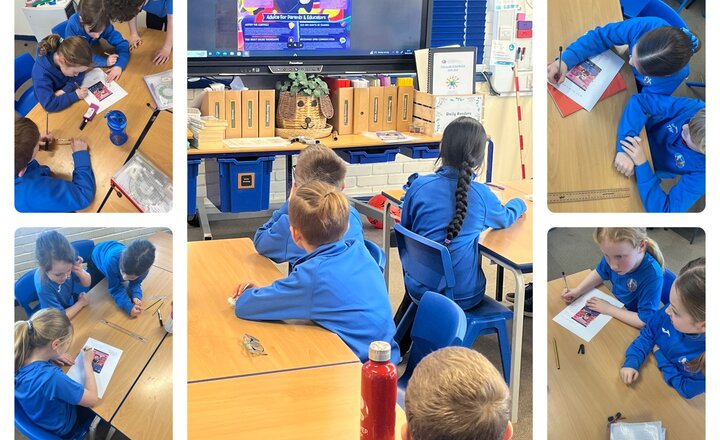
Online Safety in Year 4 - Using the Justalk Kids App
As part of our PSHE we looked at online safety both in and outside of school. Today we shared a poster that told us all about an app called Talkids. We looked at all the positive aspects and discussed these in smaller groups. Our main findings that we highlighted were: * specific to our group (13 and under) * a safe space to chat online * parental controls * helps prevent cyber bullying