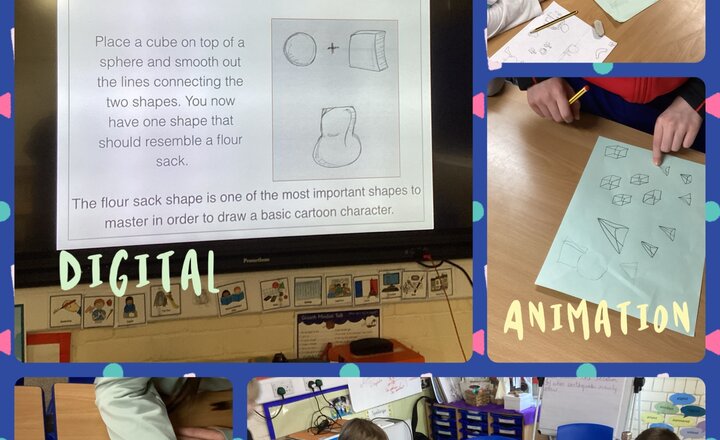
Year 5 - Computing - Animation
Today for computing we have been learning how to make our pictures look 3D. After some practice sketching the children then tried to transfer these skills onto the computer.
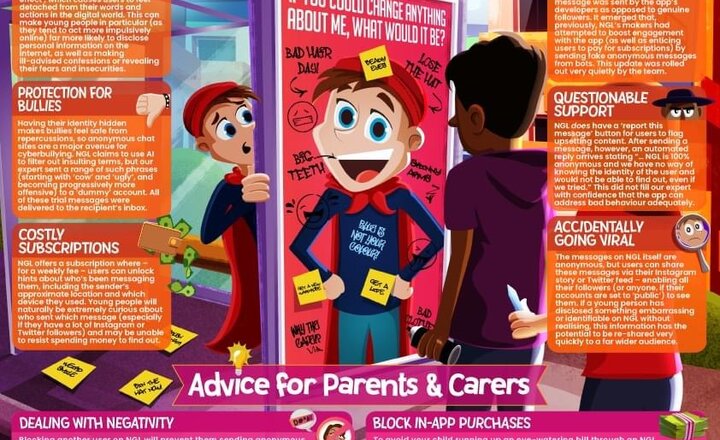
Online Safety: NGL
FYI, it’s NGL
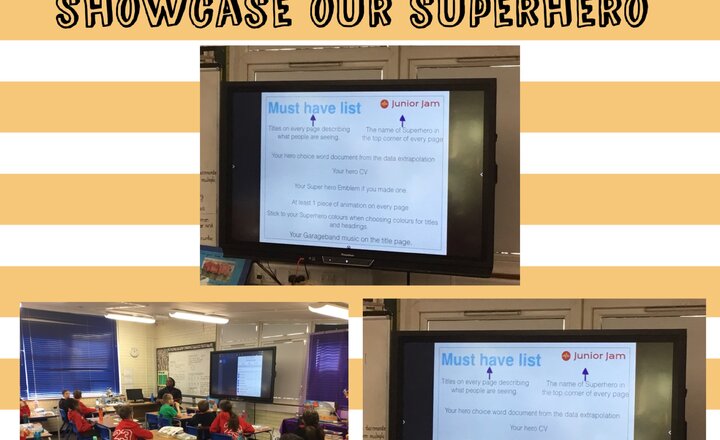
Year 6 Computing
In computing, year 6 have created a theme song to put into their keynote to showcase their very own superhero.
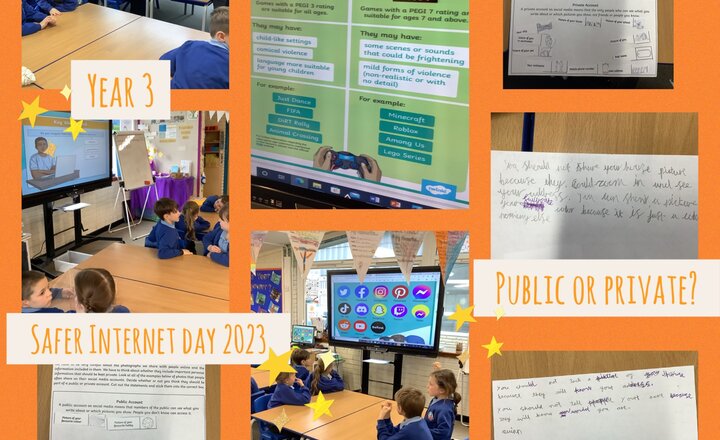
Year 3 Safer Internet Day 2023
This year for Safer Internet Day, Year 3 have been thinking about what should be kept public or private online. We discussed the importance of keeping personal information private, such as addresses, phone numbers and passwords. We then thought about age restrictions for games and online sites and discussed what we can do moving forward, to ensure that we are using the Internet in a safe way. We also came up with some great activities that we could do during the day, which do not require the Internet, such as playing a board game and going for a walk with our family!
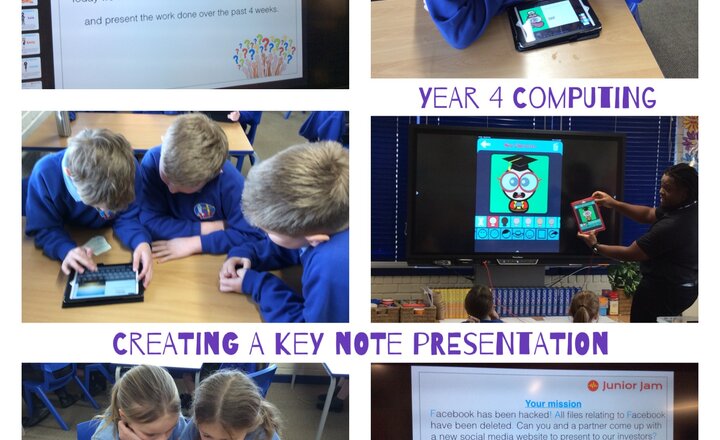
Year 4 - Computing
In Junior Jam this week, Year 4 have been creating a keynote presentation. They have used animations and text and created avatars.
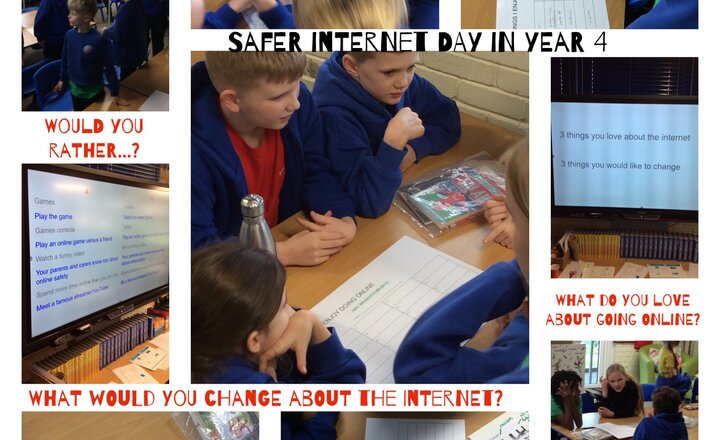
Year 4 - Safer Internet Day
Year 4 had great fun playing games and sharing experiences on Safer Internet Day. We discussed checking age ratings and reporting any inappropriate content, and we compared our favourite things about being online.
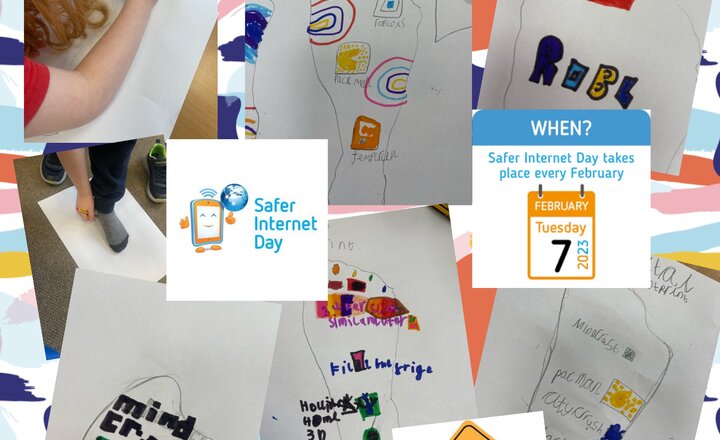
Year 2- Safer Internet Day
Year 2 have been celebrating all the amazing ways we use the internet but have been focusing mainly on our digital footprint to ensure that we remain safe online. We discussed: - Do not believe everything you see online - Do not post anything that isn’t kind - If I see something that makes me feel uncomfortable tell a trusted adult, report it and block it - Play with people we know - Most importantly keep having fun! - Understand age limits and respect those limits - Keep microphones and cameras off when online gaming with people who you do not know.
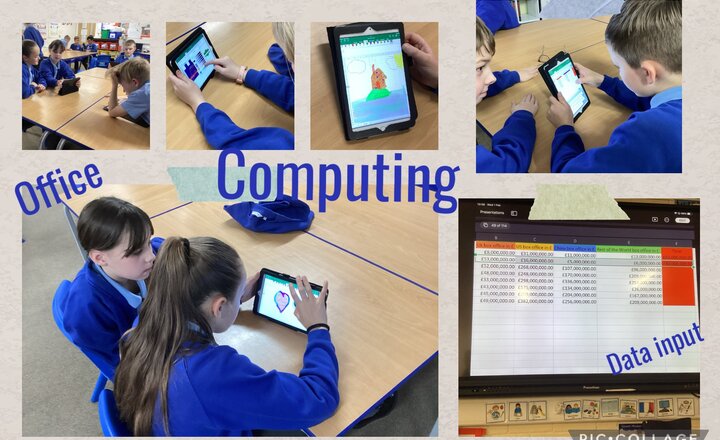
Year 5 - Computing - Data input and office
During computing this term we are learning how to use Office and in particular Excel. The children are learning to input data on Excel to change the colours of the blocks and create pictures. They have been able to create some fantastic pictures!
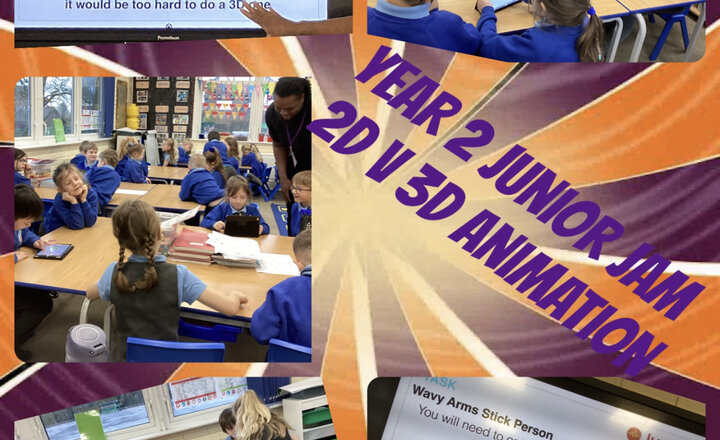
Year 2 Junior Jam
During our Junior Jam sessions we have been looking at creating our own 2D and 3D animations in Computing.
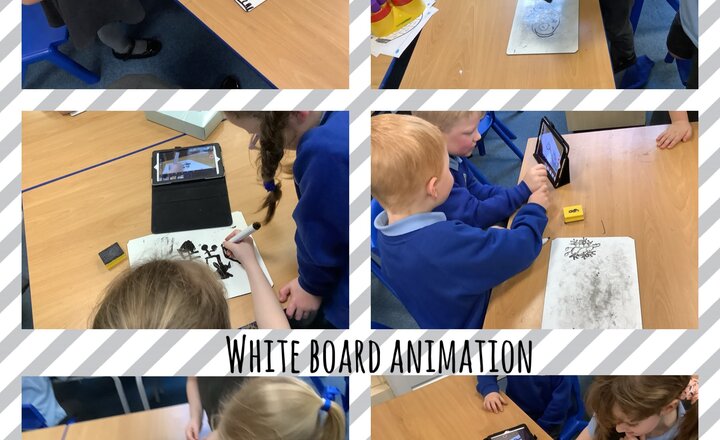
Year 1- Computing
In computing this afternoon year 1 have been having a go to make their own 2D animations using whiteboards and the app stop motion capture.
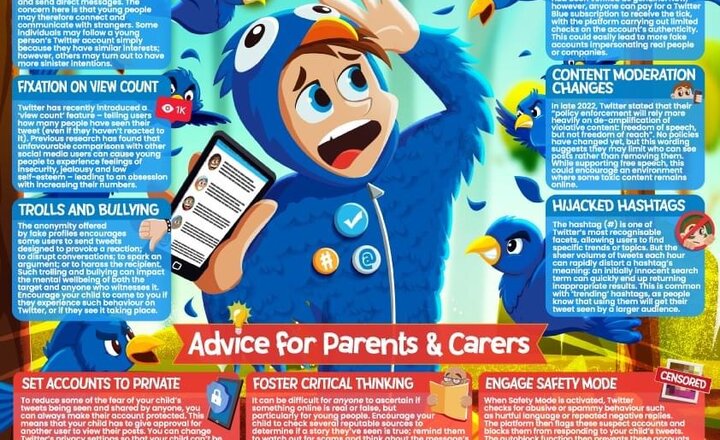
National Online Safety: Twitter
New year, new Twitter?
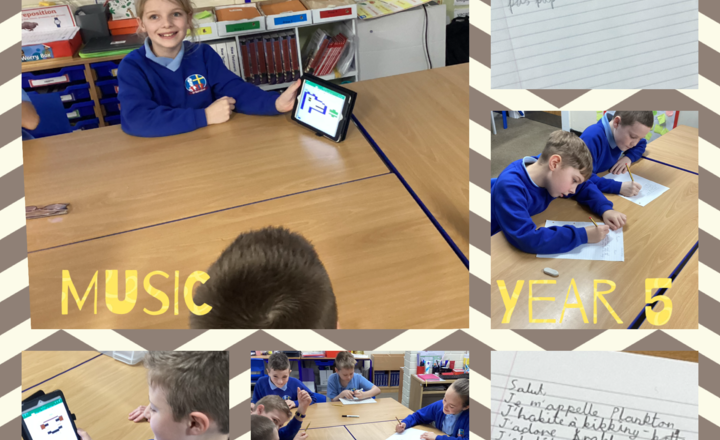
Year 5- Junior Jam- Songwriting
This week in music, Year 5 have been improving their song-writing ability. Over the course of the term, the children will be introduced to different techniques to help write lyrics and improve vocal melodies. They also worked really hard in French and Computing.